
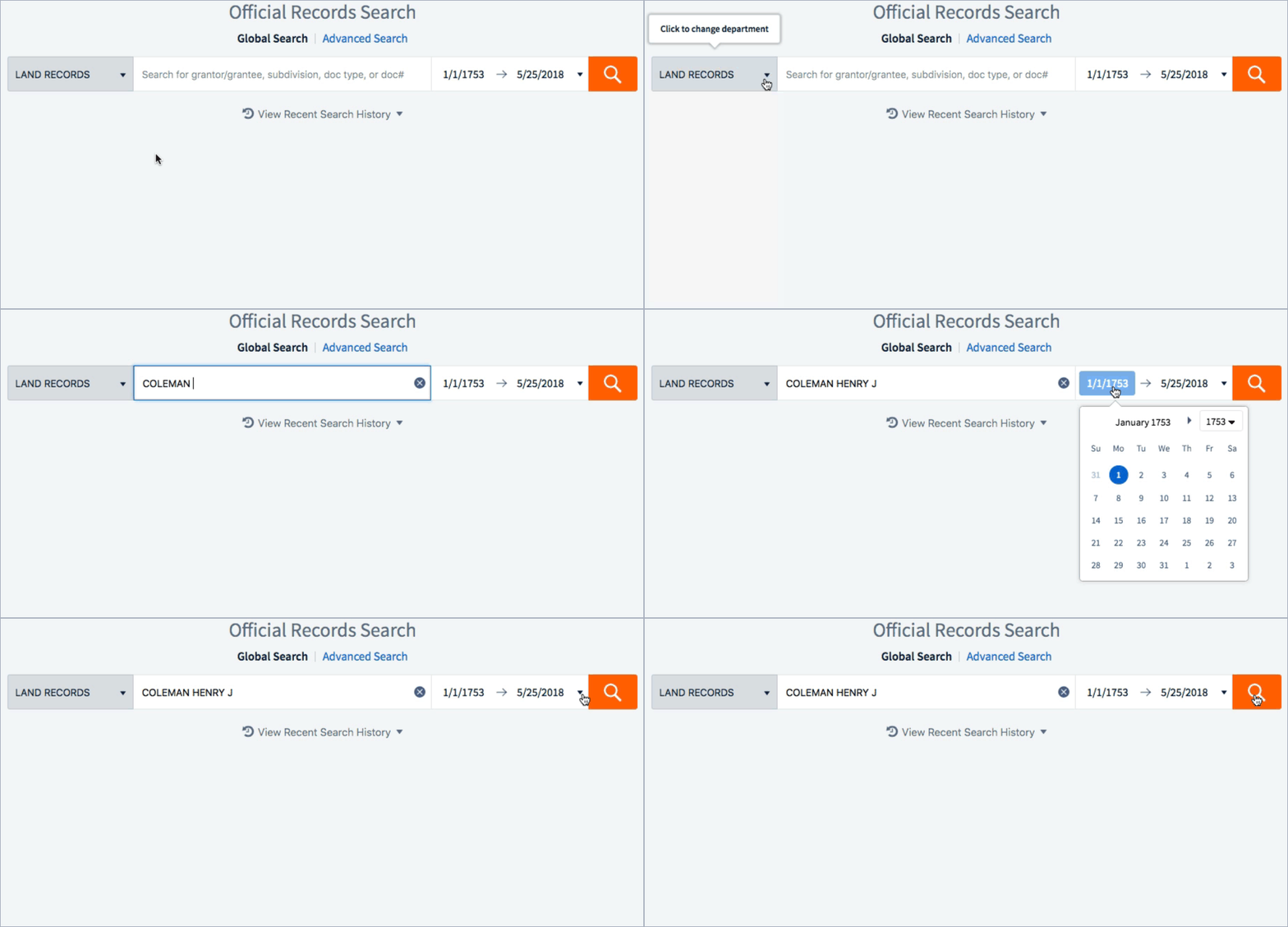
Enter a word or phrase in the search field and click on the magnifying glass icon to search for results.
The word or phrase entered in the search criteria will be searched through all searchable categories including: Grantor, Grantee, Document Type, and Legal Description.
You can also search by Document Number, Book/Volume/Page (where applicable), and enter in a Date Range to narrow results.
(Note: When searching historical documents by Book/Volume/Page the search should be entered per the following examples: DR/712/238, or 712/238 when the book is unknown)
All words entered in the search field will be used as the search criteria, for example, the search field contains the phrase: Coleman Henry J, and the search will pull results where the phrase: Coleman Henry J exists.
You can narrow your results by choosing filters on the left side of your screen. Filters include Document Type, Recorded Years, Instrument Years, Grantor, and Grantee.

Search results default to a tabular view. Click on the button in the upper right corner of the screen to display an expanded summary view:


Comments
0 comments
Article is closed for comments.