
The Export All Results feature will export 50 rows of results per page. If you have more than 1 page of results then you will need to export each page. Use the following steps.
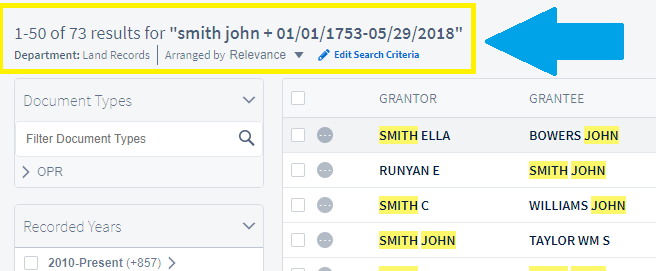
In this example I want to export 73 results which is 2 pages of results.
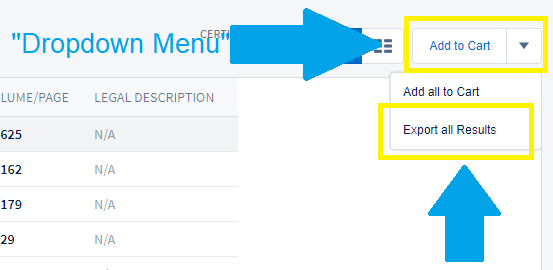
The dropdown menu to the right of the screen has the option to Export All Results. Click on Export All Results to continue.
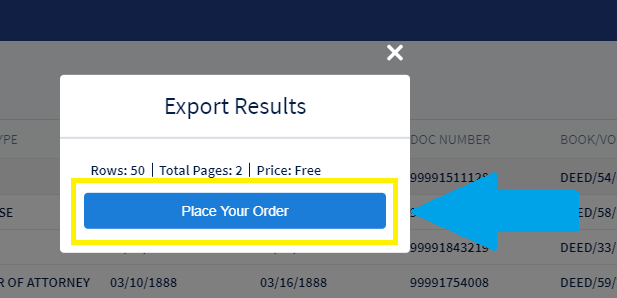
Click on Place Your Order to export the first 50 results.
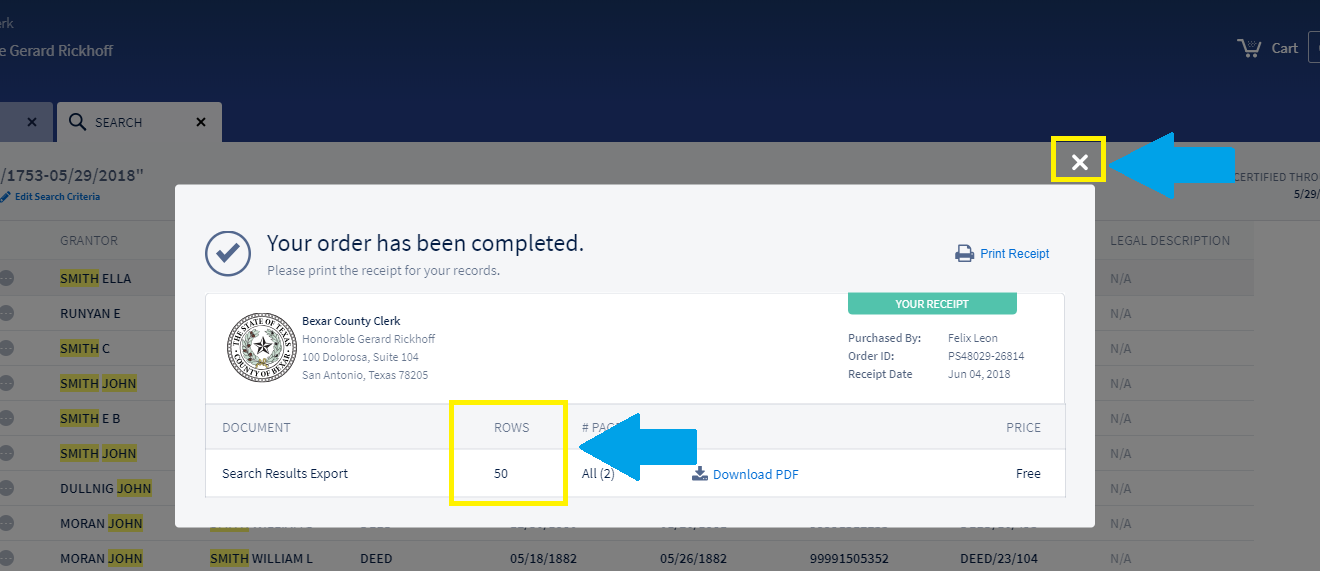
You can download the first PDF of 50 rows. Click on the "X" after you have downloaded your results to continue.
Navigate to the lower right-hand side of your browser to select page 2 of your results.
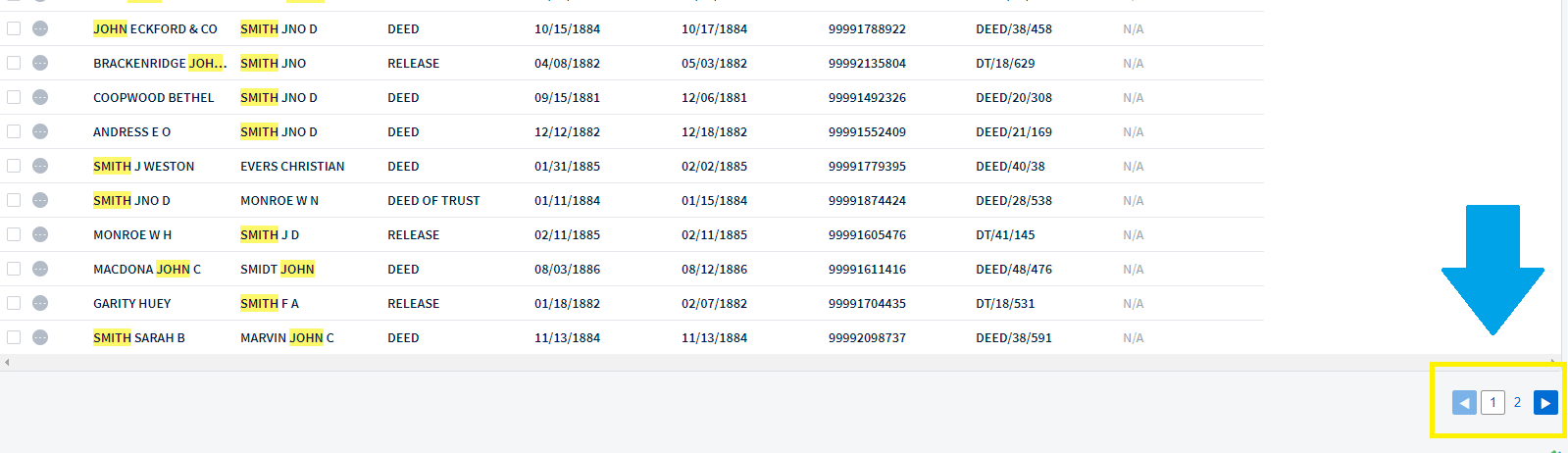
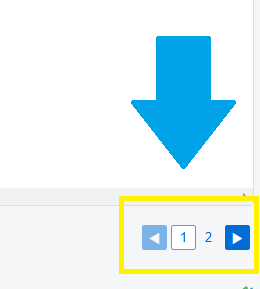
Page 2 now displays 51-73 of your results.
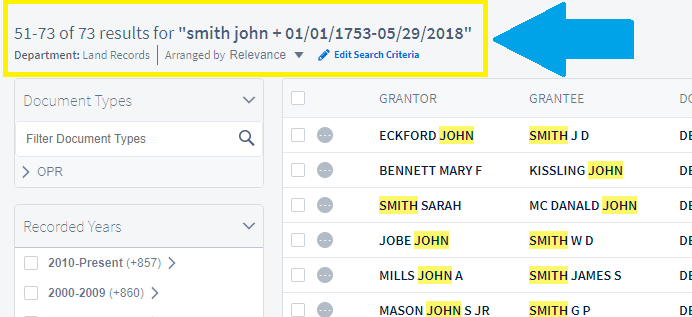
Now click on Export All Results from the dropdown menu to export 51-73 of you original results.

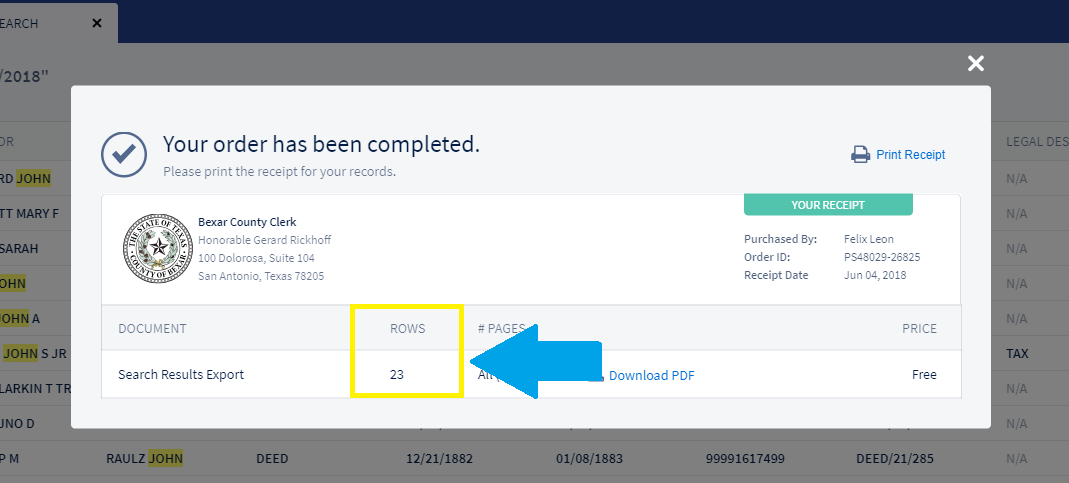
Click on Place Your Order to export the last 23 results.
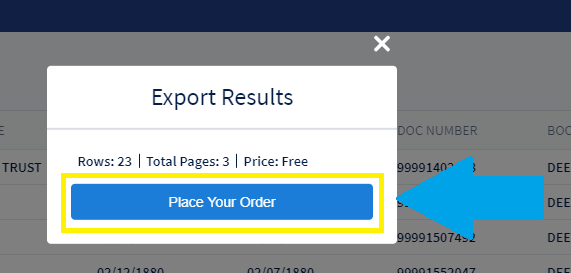
Your second order of 23 rows is now available to download.
Comments
0 comments
Article is closed for comments.