
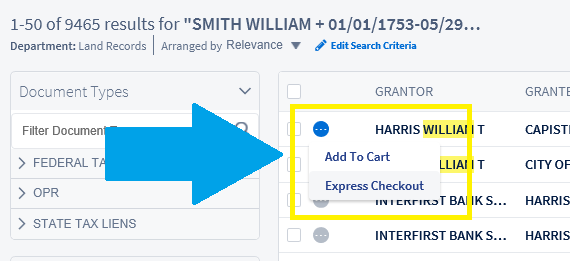
When you have found your document you can click on the Document Options icon  to select Add To Cart or Express Check Out. The site requires you to be a registered user in order to use these options.
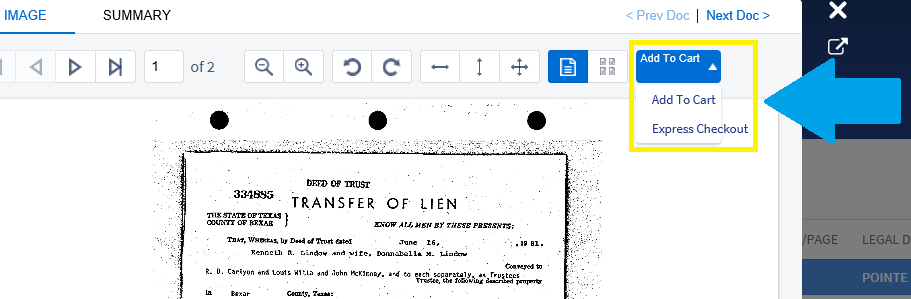
The image viewer allows to Add To Cart or Express Check Out as well.
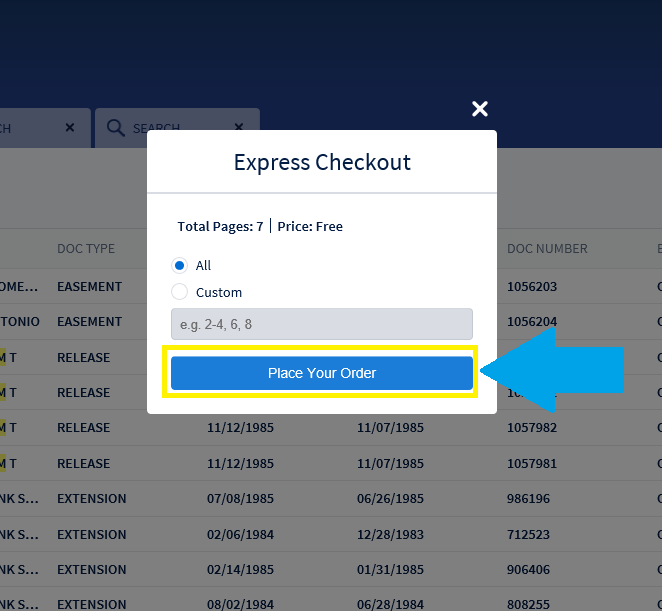
Clicking on Express Check Out will allow you to place your order and download to print a single document. If you are searching multiple documents then you should use Add to Cart and then place your order once you are done searching. Click on Place Your Order to continue.
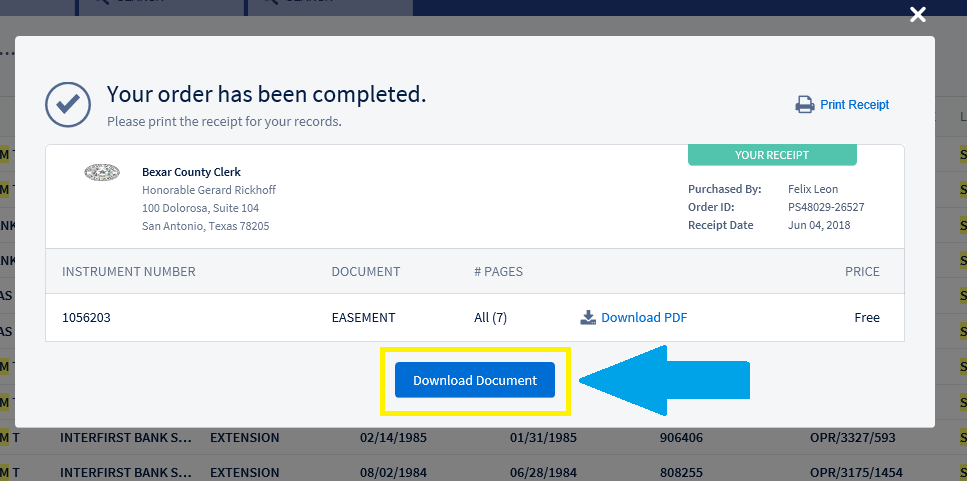
Click on Download Document to continue. All document images are viewable in PDF format.
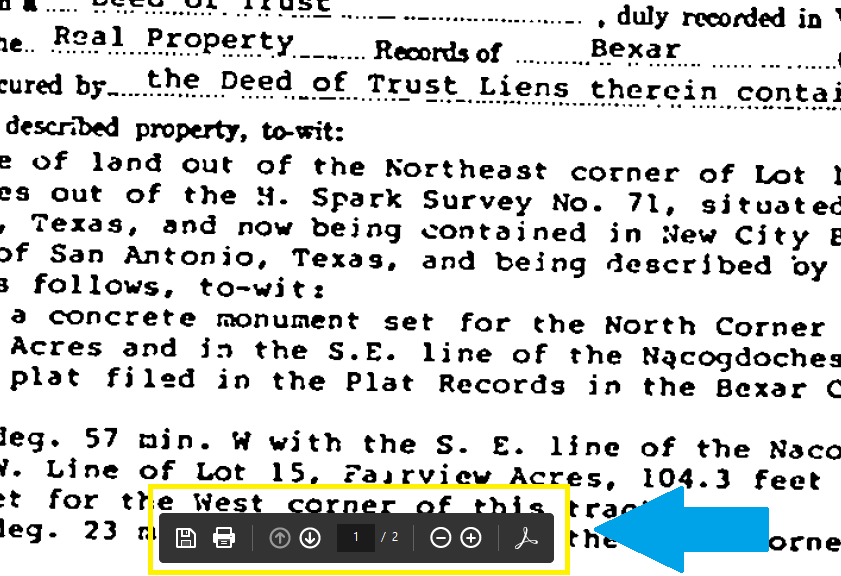
Depending on your PC settings you can view the PDF in your browser or with a PDF reader. When viewing in browser (As below) hover over the bottom of the page to view save/print options. You can click "Ctrl P" to prompt printing options as well.
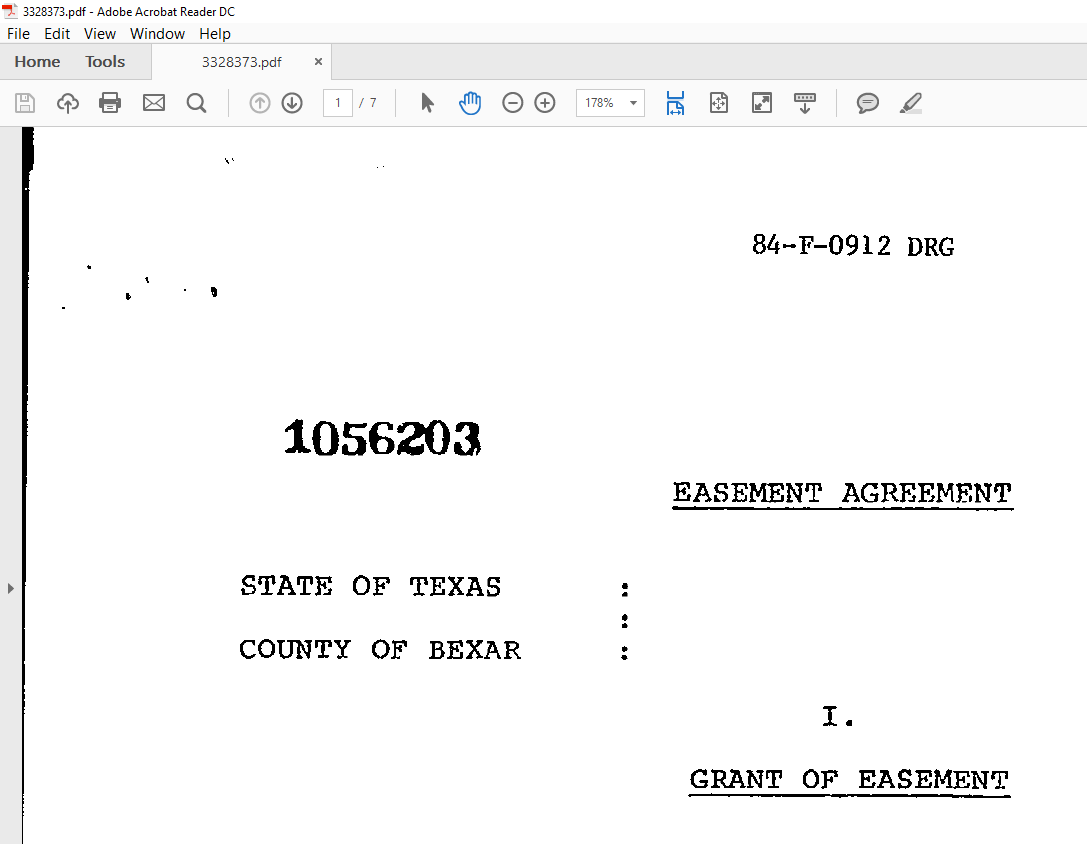
In the example below Adobe Reader is being used to view the PDF. We advise that you save all PDFs to you local hard drive.
If you are using Add to Cart the process is very similar to Express Checkout. After you have selected all documents you wish to download/print, click on the Cart in the upper right hand corner of your screen.

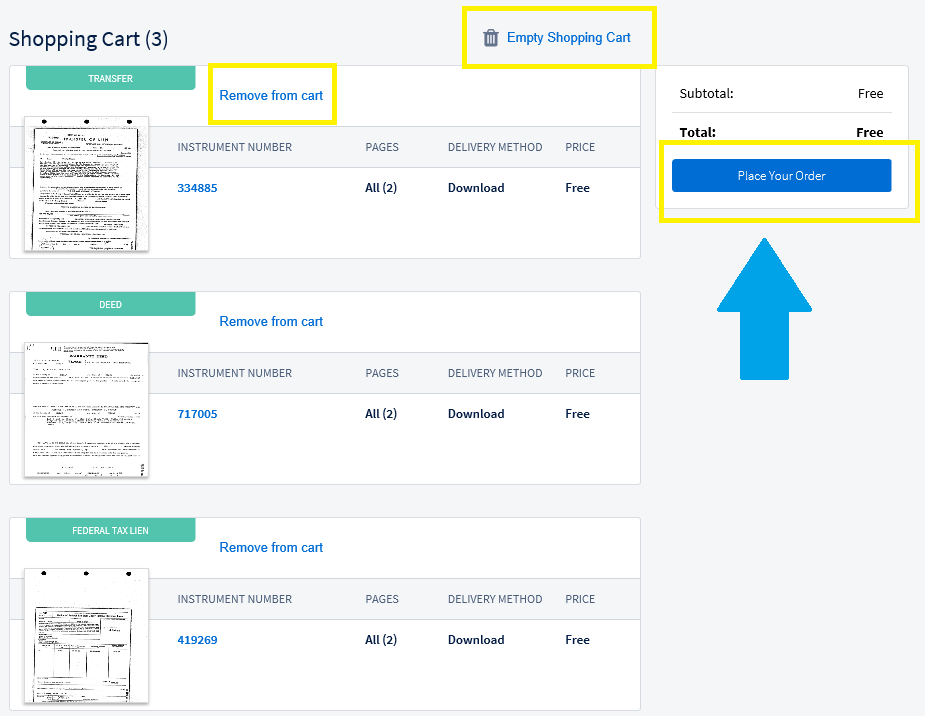
In your cart you can Remove from Cart, Empty Shopping Cart, or Place your Order to download/print. Click Place Your Order to continue. Viewing/Downloading/Printing options for PDFs are based on what you have selected as your local PC default settings. PDFs can be viewed in browser or with a PDF reader.
Comments
0 comments
Article is closed for comments.