
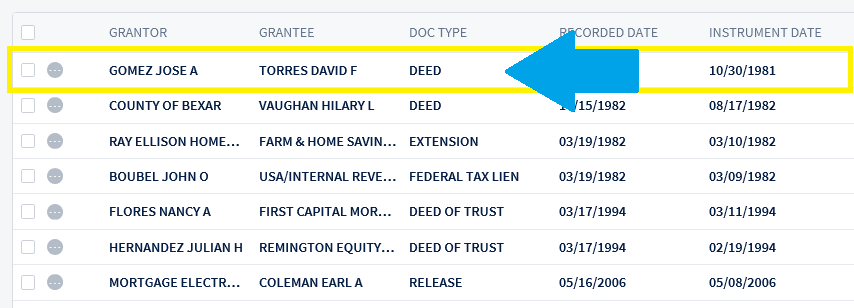
When you find your results you can click within the row to populate the image viewer and review your document.
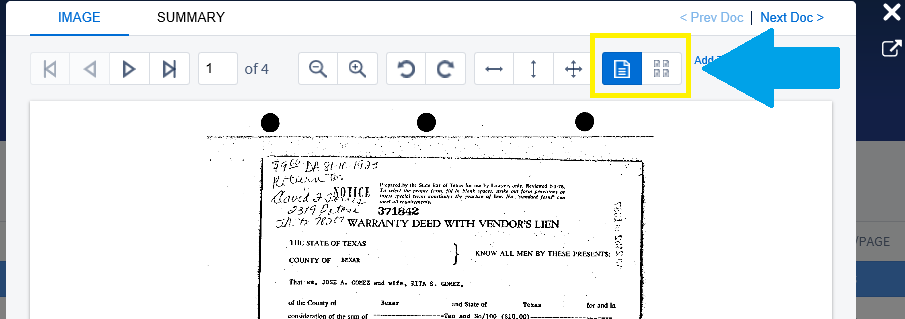
You can view the document pages individually or switch to thumbnail view.
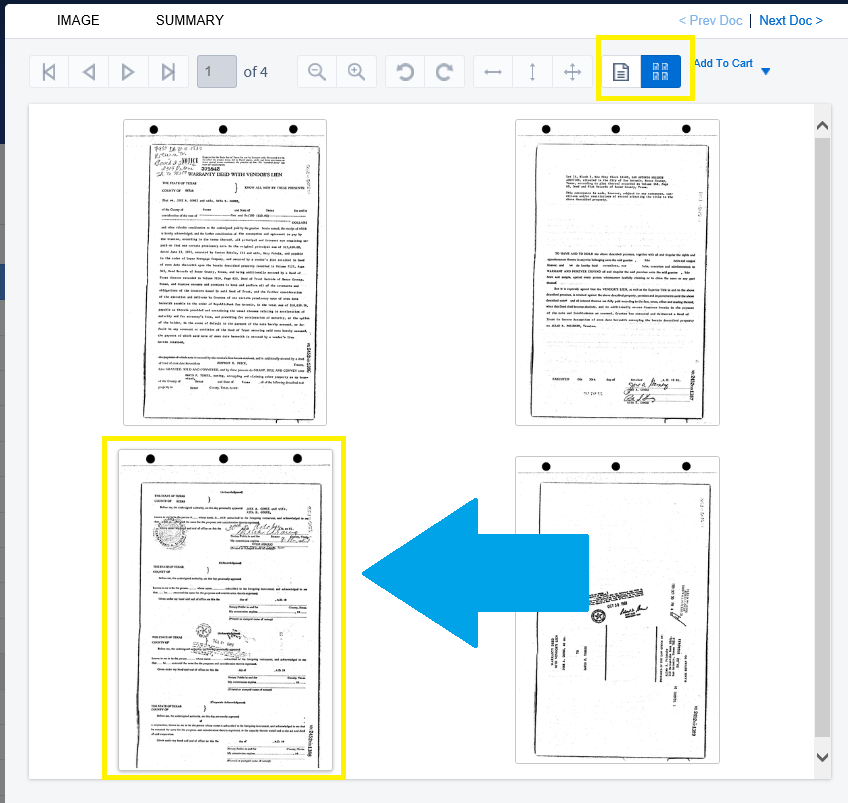
In thumbnail view you can click on any thumbnail image to navigate to that page. In the example below we will click on page 3.
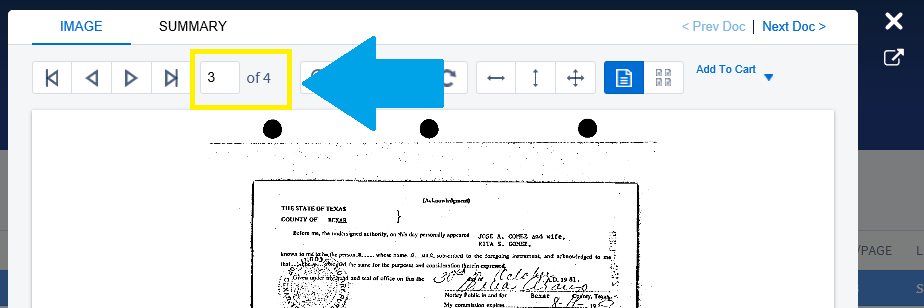
Now we can view page 3. This is very useful when the document has many pages.
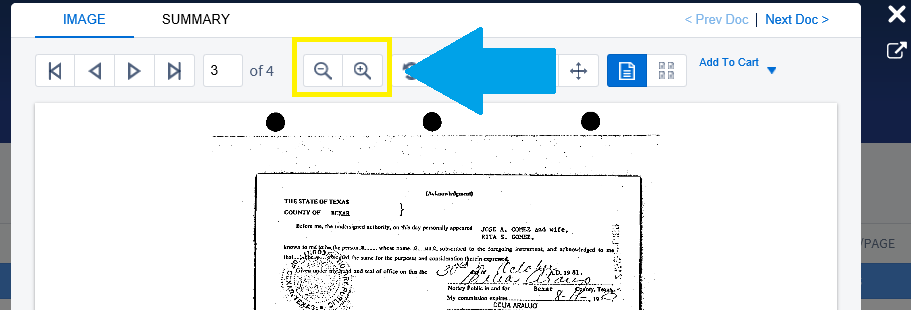
When viewing documents in Vanguard Search, we provide several ways to zoom in and out on the image to give you a better view. You can use the + and – buttons on your keyboard or use the icons above the image as shown below.
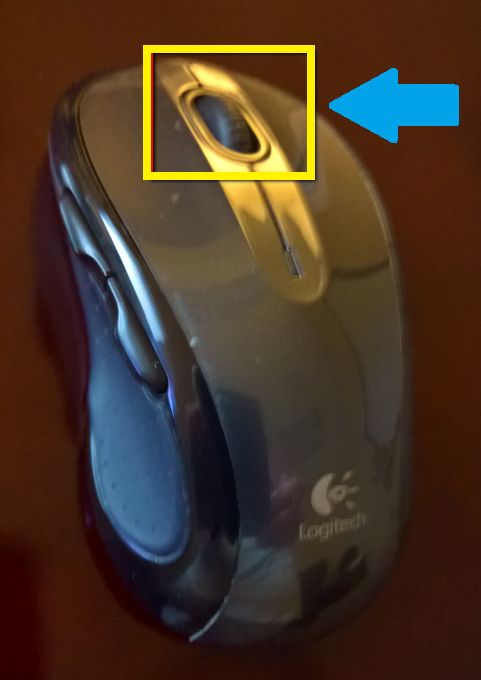
We are adding the ability to use the wheel on your mouse. Roll it forward to zoom in. Roll it backward to zoom out.
Comments
0 comments
Article is closed for comments.