
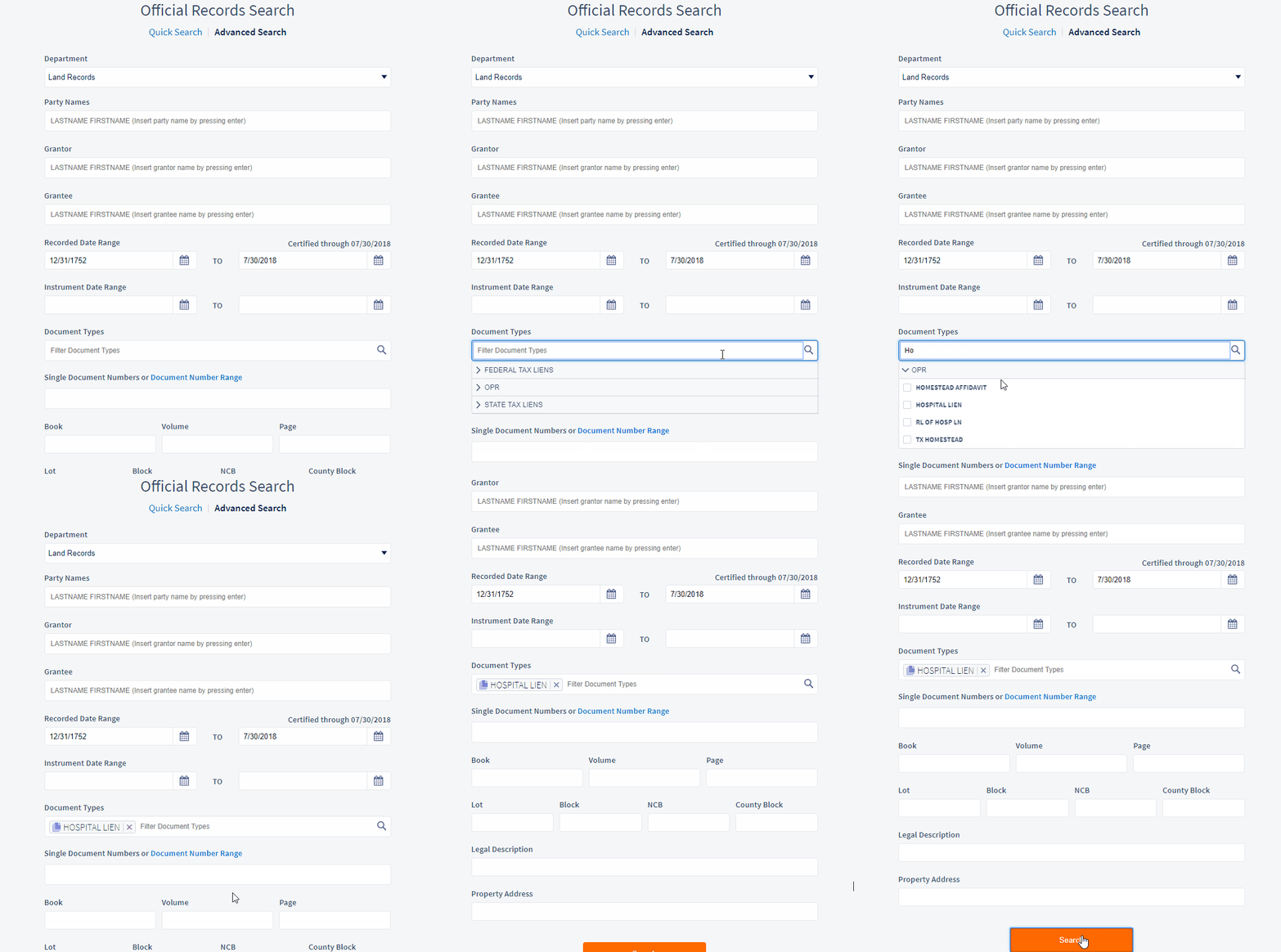
Use Advanced Search if you want to search by a specific document type and get all results for documents that were indexed as that document type. In the example below we will search for all Hospital Liens and then filter to a specific year.
Select the Document Type field and type in the document type, select the document type, click on Search. You can also expand the document groups and select document types to search against.
You can narrow your results by using the filters to the left of the results screen.
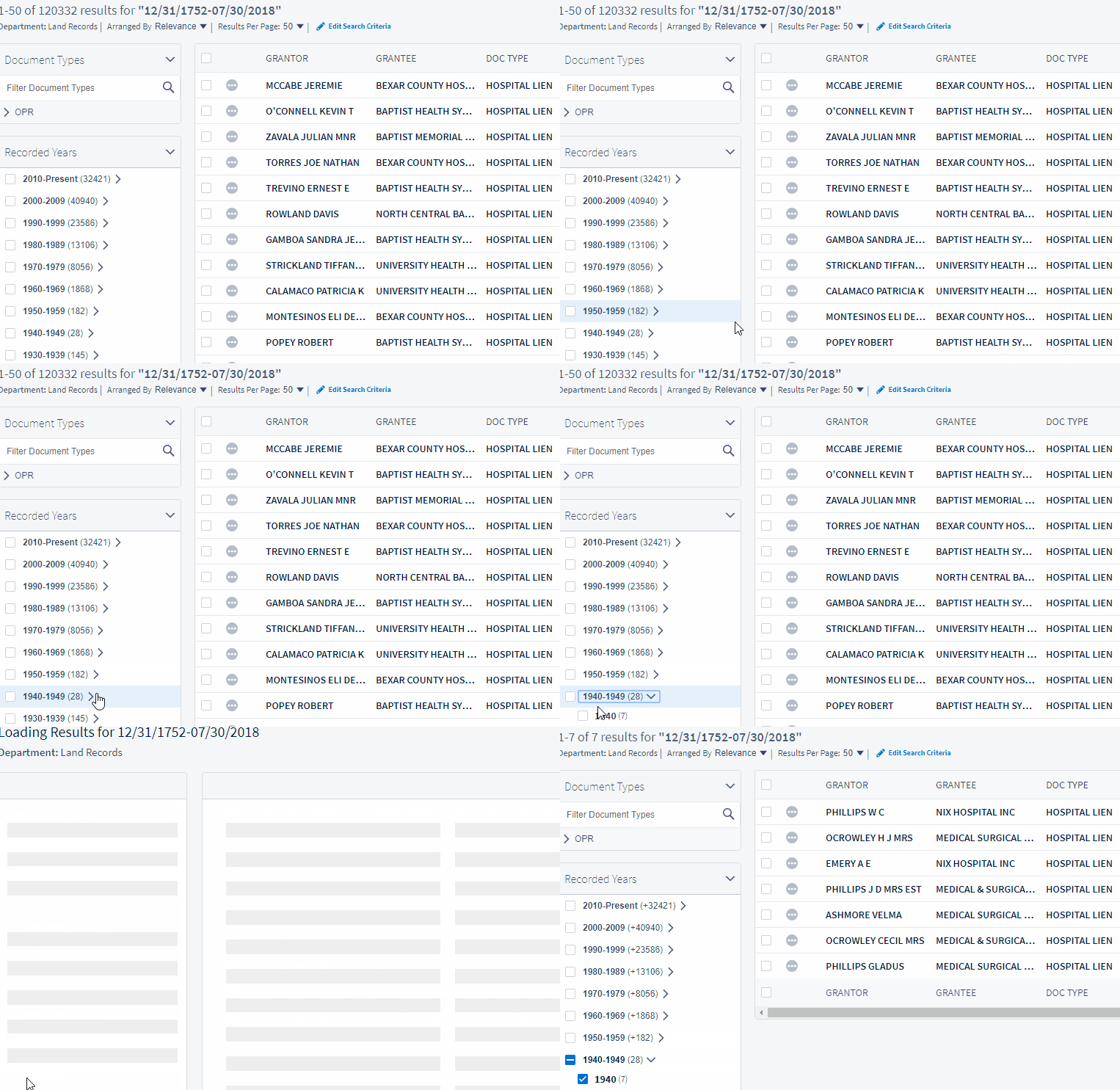
This method of searching can be used for all document types that have been indexed by the county and are available in the search database. You can also search for more than one document type at a time, include party names, and set date ranges. Advanced Search allows flexibility to create a custom search.
Comments
0 comments
Article is closed for comments.